
QR menu for restaurants that works like your best waiter
Photo-rich menus in every guest's language, ordering and payment at the table, reservations and loyalty — on your own website, with no commission on your sales.
See a real venue running on QRaff →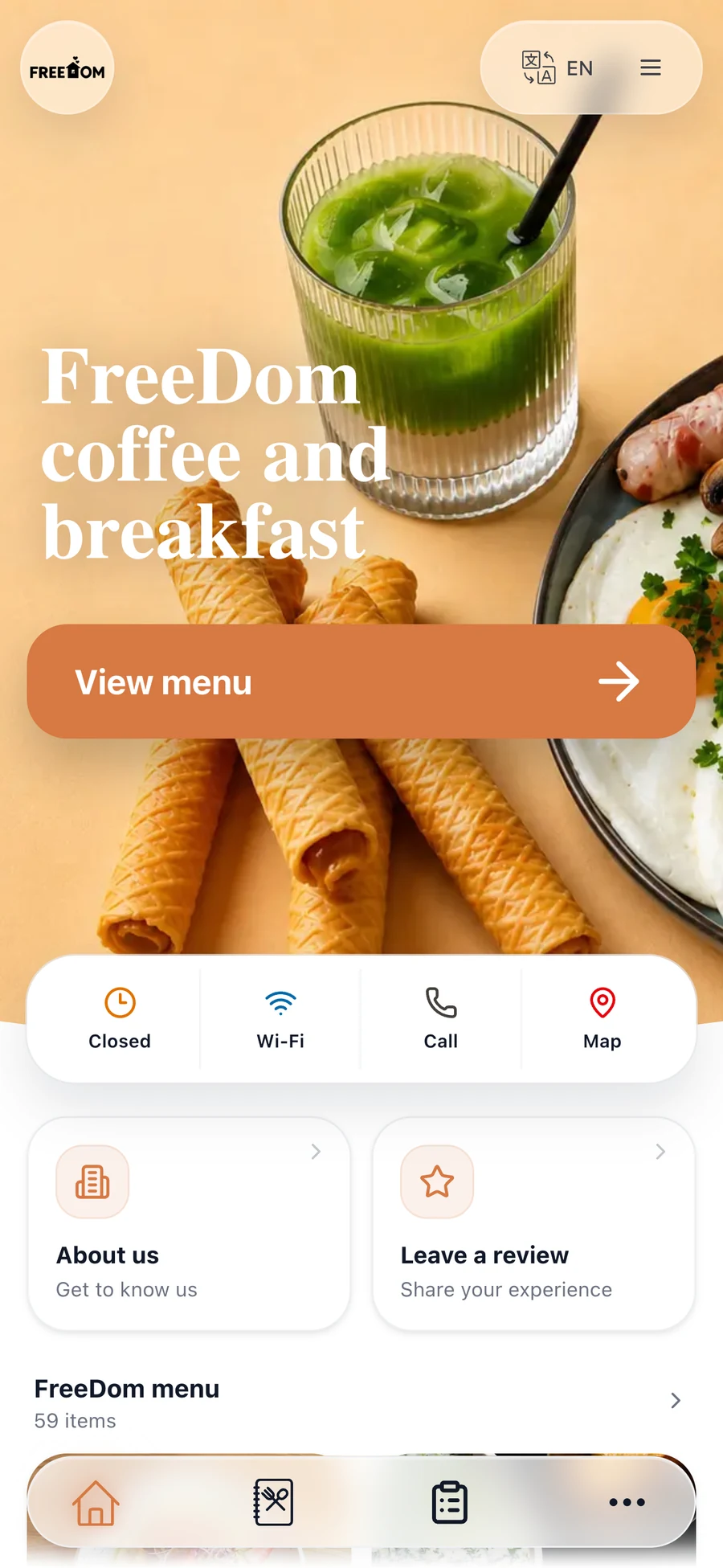
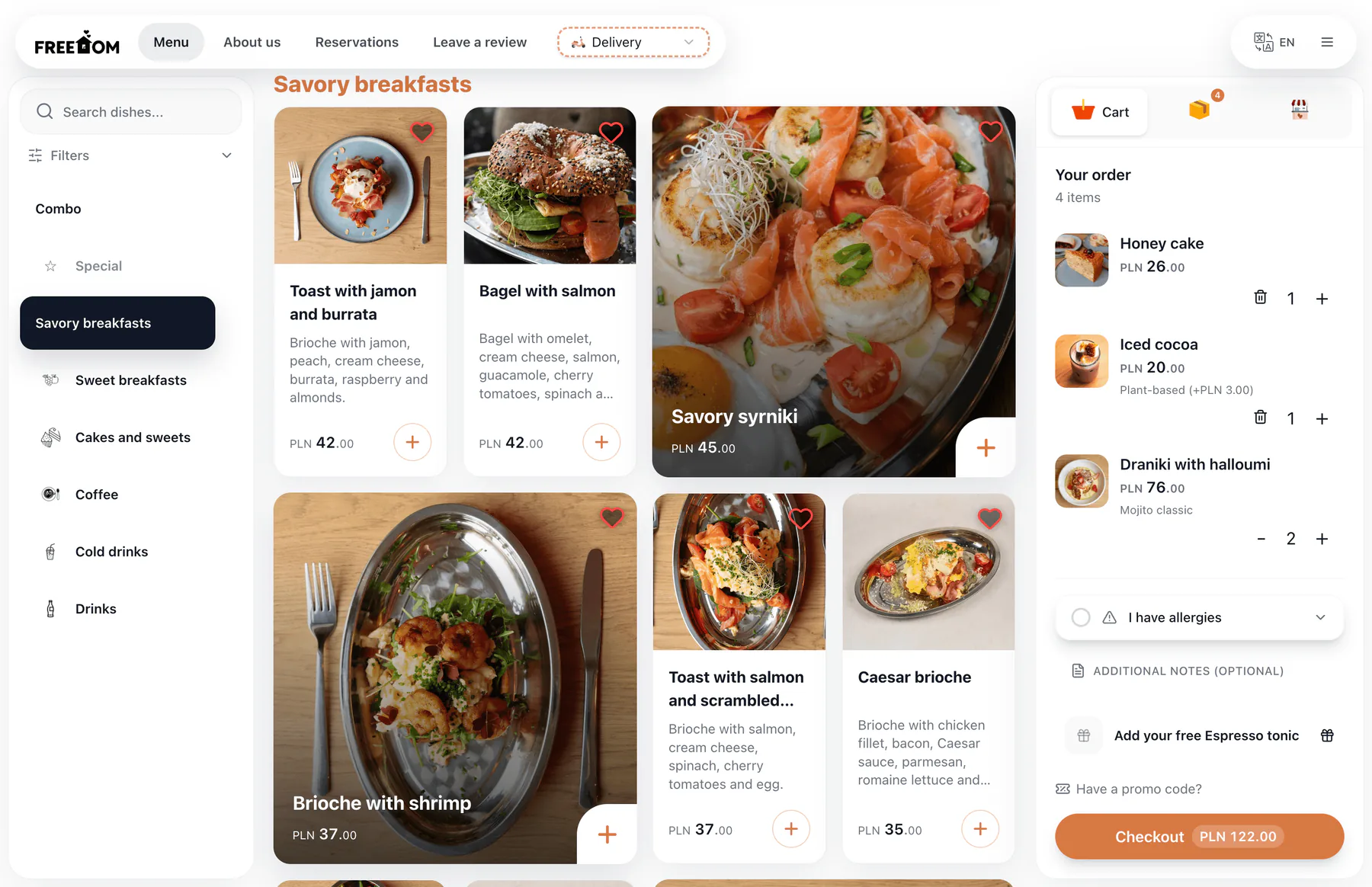
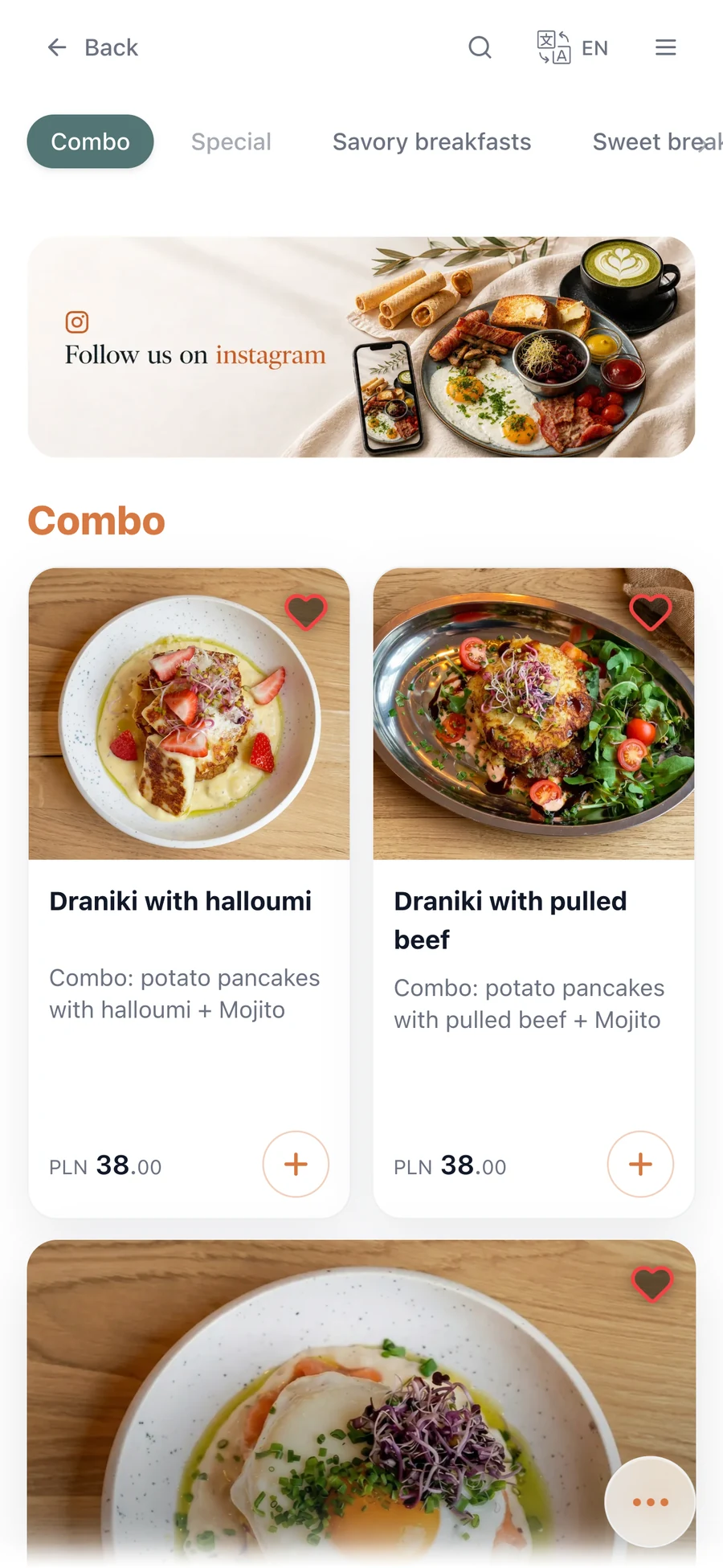
Everything a restaurant runs on, in one platform
A digital menu with photos and allergens, ordering and payment, delivery from your own site, reservations, loyalty and review recovery — all included from day one.
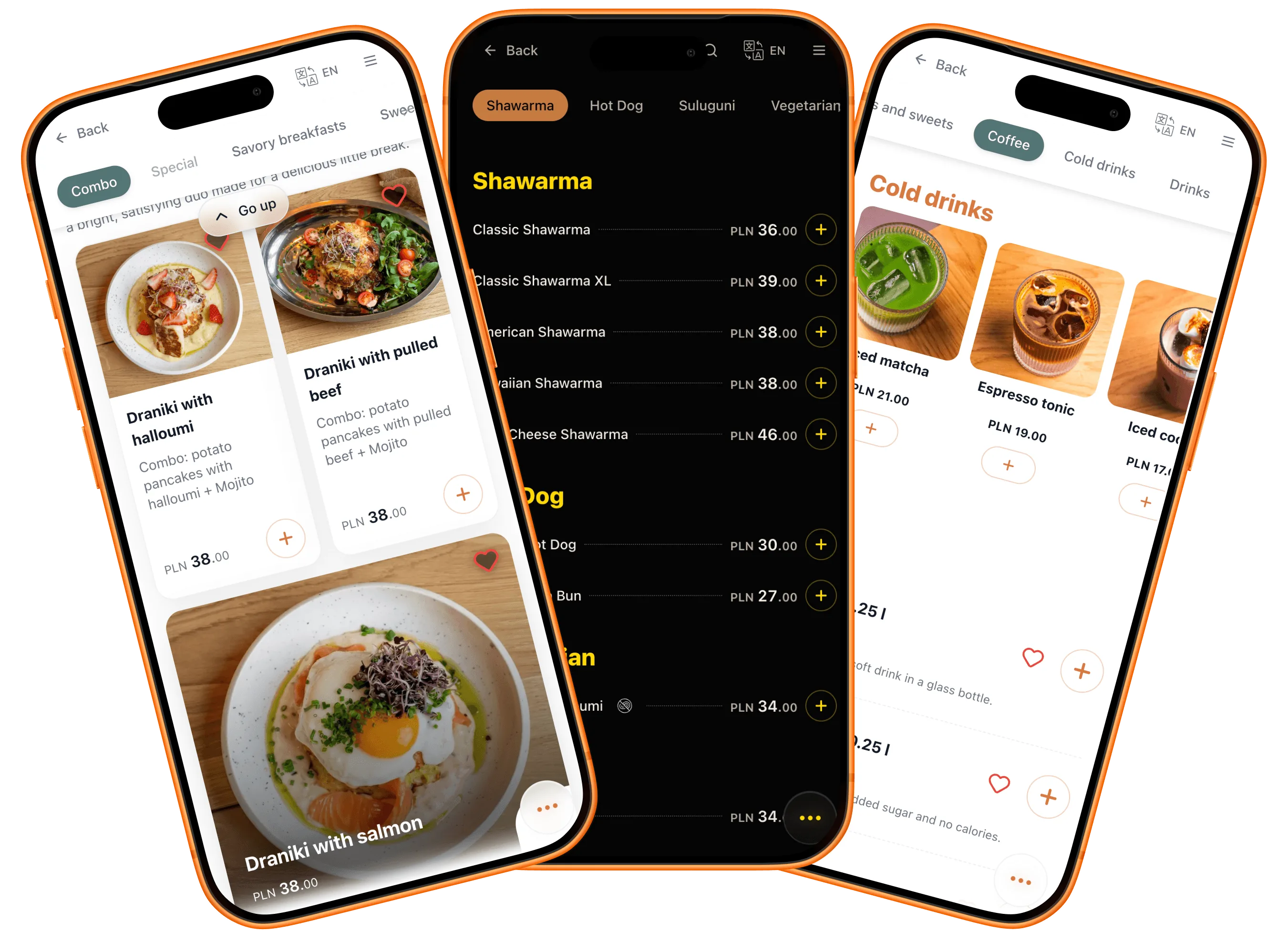
A menu that's unmistakably yours
Colors, layouts, photos, type — every piece bends to your venue, not the other way around. It all lives on a website of your own, with your name on the address. And it adapts to each guest too: their language, their allergies, their diet.
- Themes in your colors
- Layouts with photos — or without
- Every guest's language
- Allergen and diet filters
- A web address with your name
Orders where you keep the margin
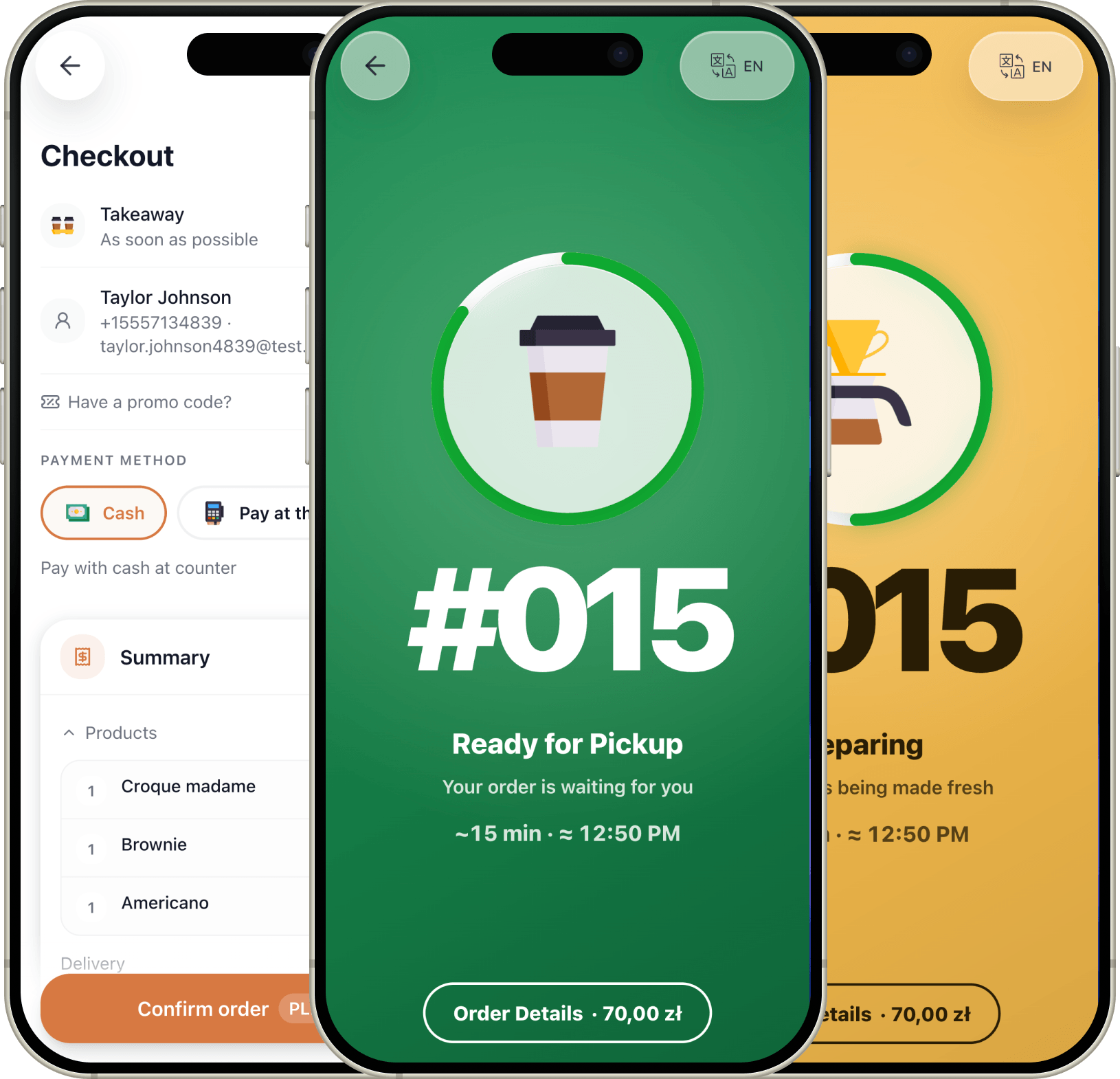
Table, counter, pickup, or delivery — every order runs through your own menu, under your brand, with no marketplace in between. Guests still get the app-grade experience: live status, a pager when it's ready. You still get the whole margin.
- Pay at the table — or at the counter
- Pickup and delivery from your own site
- Live order status on the guest's phone
- A pager when it's ready
- No commission on any order
Courier fees apply either way — the commission is what differs.
First-timers into regulars
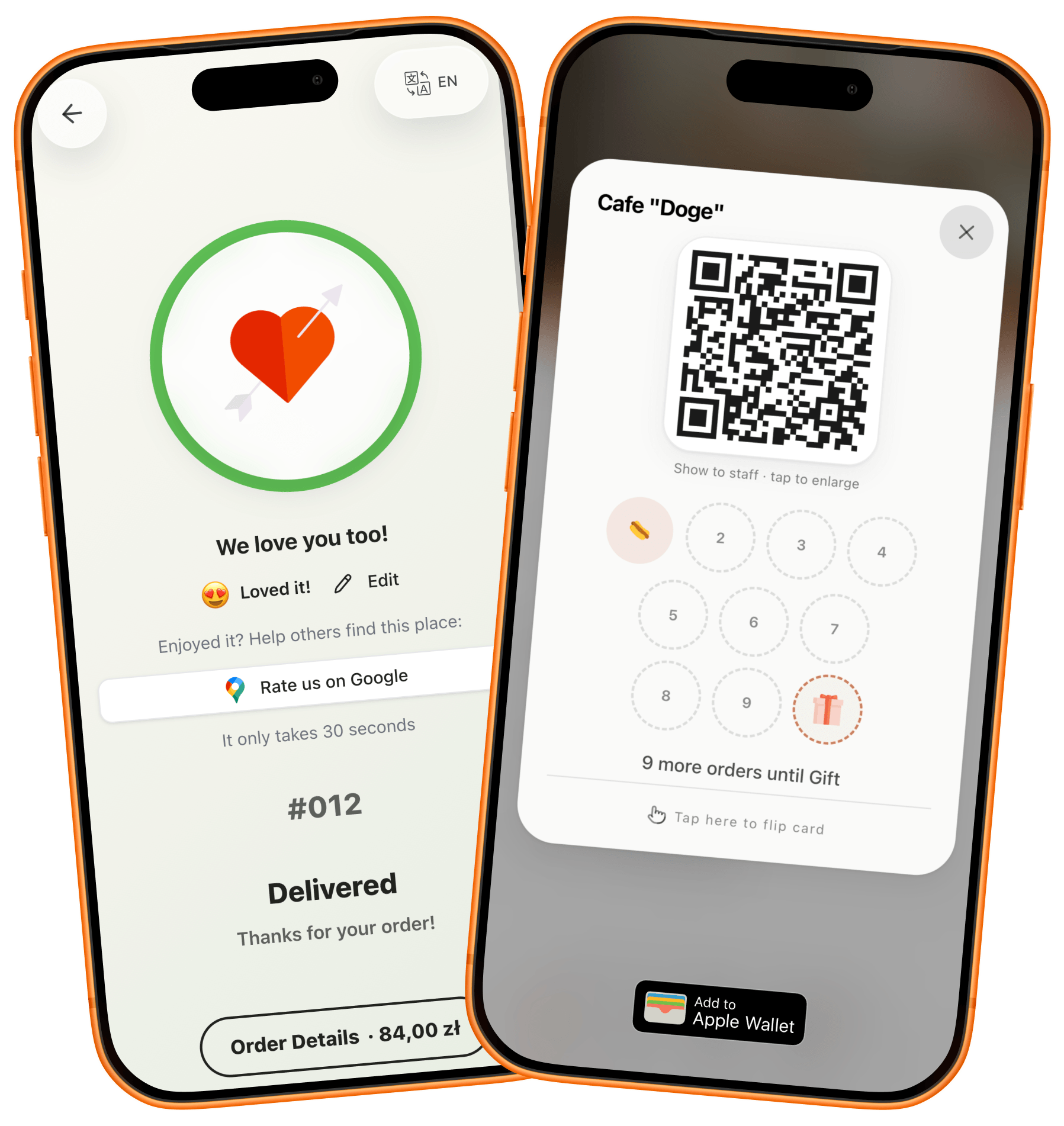
Every visit leaves a hook for the next one: a reward that builds on the guest's phone, a code for the slow Tuesday, an event worth planning around. And when something goes wrong, the guest tells you — not the internet.
- Loyalty stamps on the guest's phone
- Promo codes for quiet days
- Reservations and events, right in the menu
- Happy guests nudged to Google Maps
- Low ratings caught privately, first
Tap how the evening went
A venue that fits in a pocket
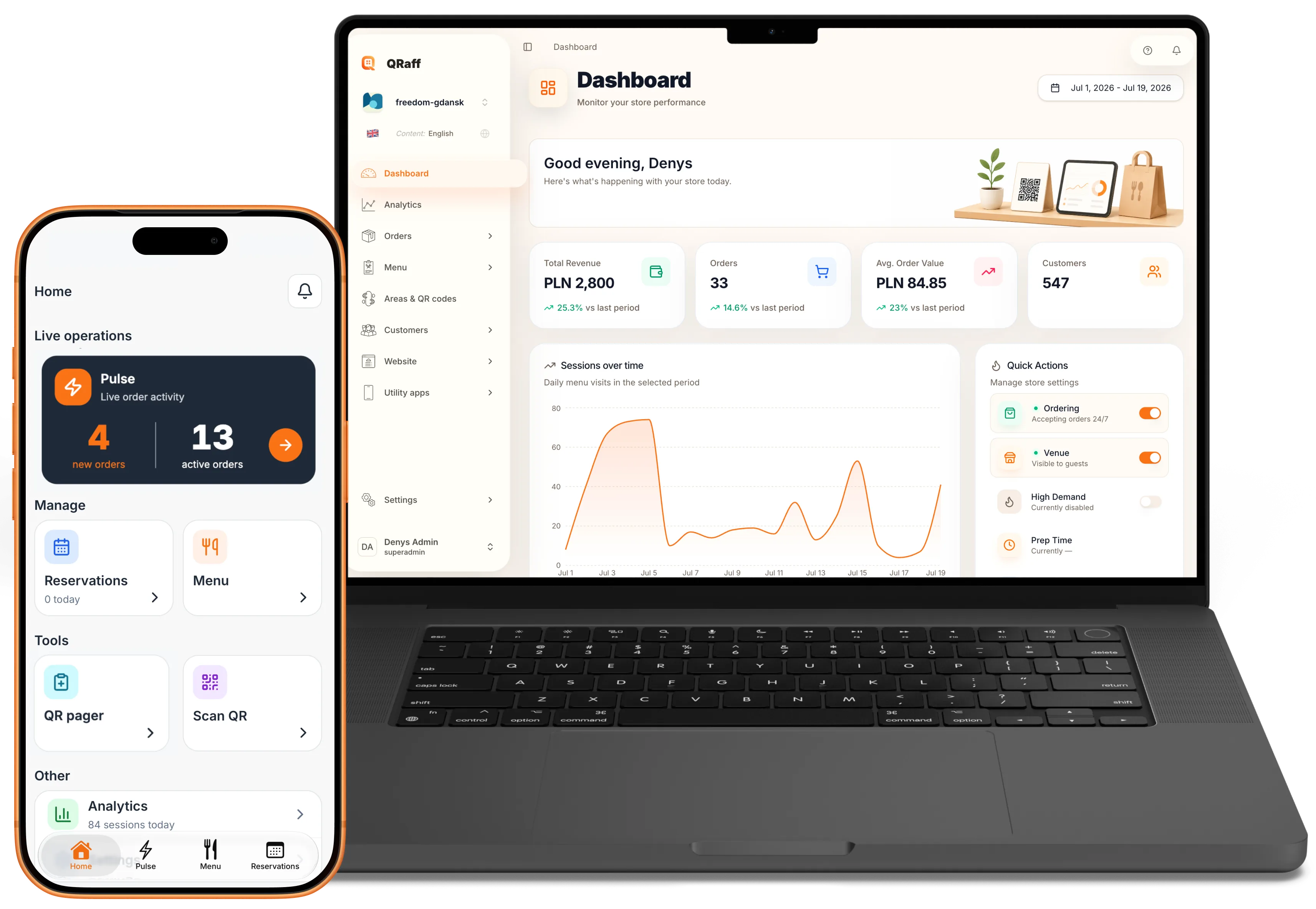
The dashboard lives where you do: web at the desk, app on the floor. Close a dish, fix a price, answer a review — without breaking stride.
- A dashboard on web, iPhone, and Android
- Analytics that answer plain questions
- A dish marked sold out in one tap
- Prices and photos edited in place
- Orders, reviews, and bookings in one feed
Friday, 7:43 pm — three things drifted. Tap to fix them.
One photo of the old menu — tap import.
A QR menu live by lunch
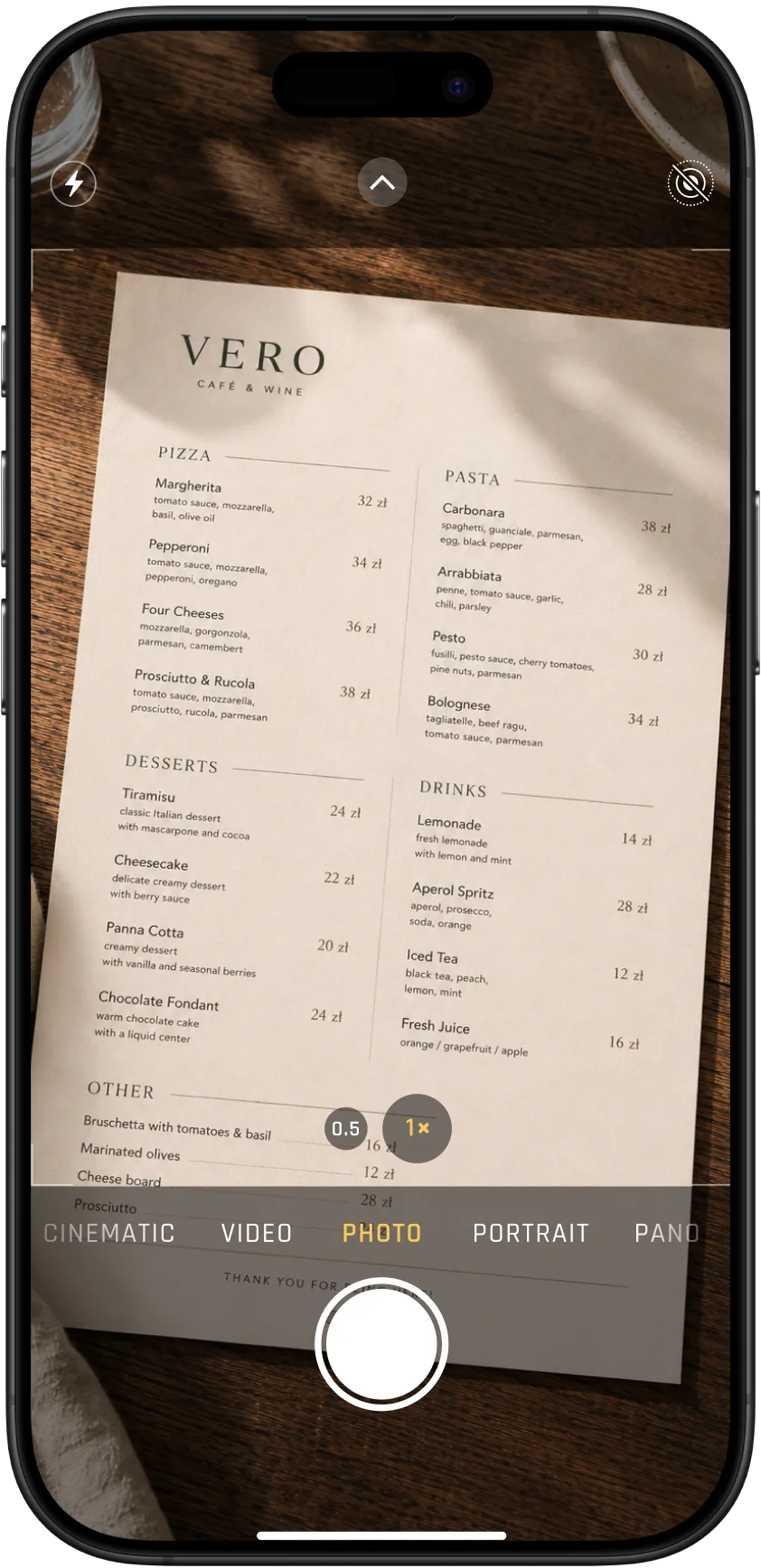
Photograph the paper menu, and AI builds the digital one. Print the QR, drop it on the table — guests scan straight in, nothing to install. Free while QRaff is in early access.
- Snap a photo — AI builds the menu
- Print-ready QR for tables and windows
- Nothing for guests to install
- No new hardware on your side
- Free during early access, no lock-in
Start with a menu. Stop whenever it's enough.
QRaff rolls out in stages. Take the next step when you see guests using the last one — or don't. No lock-in, no pressure, and you can walk away at any point.
Start with Stage 1Stage 1
The QR menu for your restaurant
A guest scans a code at the table, the bar, or the window outside — and browses a photo menu. They collect favorites into a list and just show it at the counter. If that's all you need, you stay right here.
Stage 2
Ordering & payment by phone
The list becomes a cart. Guests pay at the counter or from the phone — your call. Orders land on your device, guests watch the status on theirs. POS integration and loyalty stamps when you're ready.
Stage 3
Your own delivery
Take delivery orders straight from your own site. A courier is dispatched through an integrated delivery service — or you send your own. Instead of ~30% to an aggregator, only the courier's fee remains.
Stage 4
Aggregators in one app
In the worksManage Glovo, Wolt, and Uber Eats orders from a single screen, without juggling three tablets.
“I've spent years on both sides of the counter — as a developer and in the restaurant business. I built QRaff because I wanted the interaction between a guest and a venue to be simpler and more enjoyable — on both sides. Any idea you bring gets discussed directly with the person who'll build it. That's me.”
QRaff for your venue
Set up your menu, ordering, and reservations on your venue's own website.
All-in-one access
Throughout early access
Full access to every QRaff feature is included.
No card required. No automatic paid subscription.
Includes:
- Your venue's own website
- Photo menu, QR tables, and branding
- AI import and visual editor
- Admin panel and mobile app for your team
- Ordering, payment, and upsells
- Delivery: your own couriers or providers
- Reservations and events
- Promo codes and specials
- Loyalty and review routing
- Sales and visitor analytics
Questions operators ask before they switch
The essentials on setup speed, day-to-day control, and how QRaff helps venues grow.
Fast. Most teams go live in a single session: import your menu, set up QR tables, and publish. No designer or developer needed.
Instantly. Change a price, pull a dish, or swap a special and it goes live across every table the moment you hit save. No reprints, no waiting.
No. Start with just the menu: guests can collect a list of favorites and show it at the counter. When you're ready, turn on ordering — and choose whether payment happens at the counter, on the phone, or both.
Yes. You set up pairings, extras, and combos once, and they appear right when guests are choosing, so your average ticket grows without extra staff effort.
Yes. Reservations come with a calendar, date exceptions, and a status the guest can check. Events — from a seasonal menu launch to a board-game night — get their own space in the menu.
Guests read the menu in their own language, and can set their allergens once to see flagged dishes everywhere. Both work out of the box.
Absolutely. Web, iPhone, and Android. Your floor manager can update the menu, check feedback, or toggle an offer from anywhere in the venue.
After a visit, happy guests can be nudged toward Google Maps or TripAdvisor. Unhappy ones land in a private channel your team sees first, so you can fix the issue before it turns into a public review.