
Menu QR dla restauracji, które działa jak najlepszy kelner
Menu ze zdjęciami w języku każdego gościa, zamawianie i płatność przy stoliku, rezerwacje i lojalność — na własnej stronie lokalu i bez prowizji od sprzedaży.
Zobacz prawdziwy lokal działający na QRaff →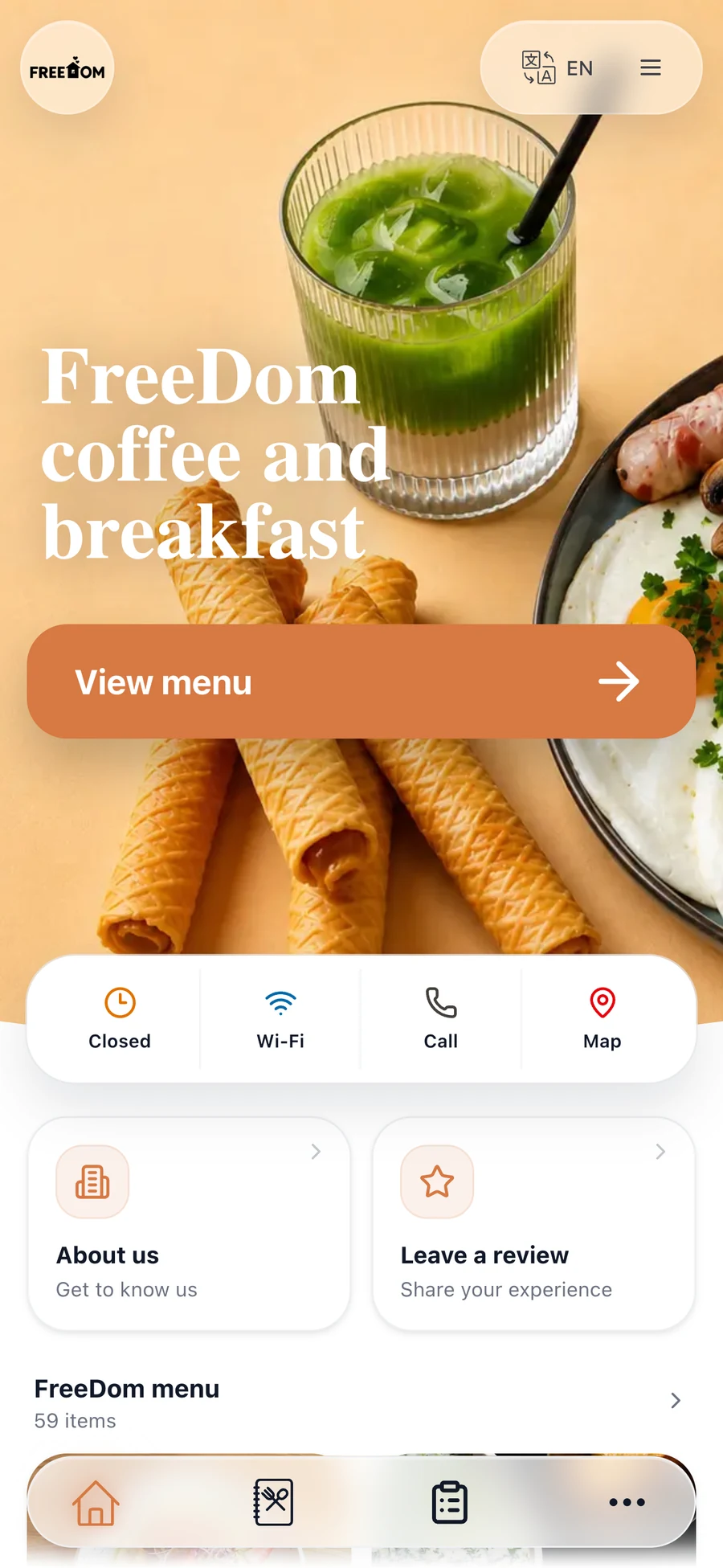
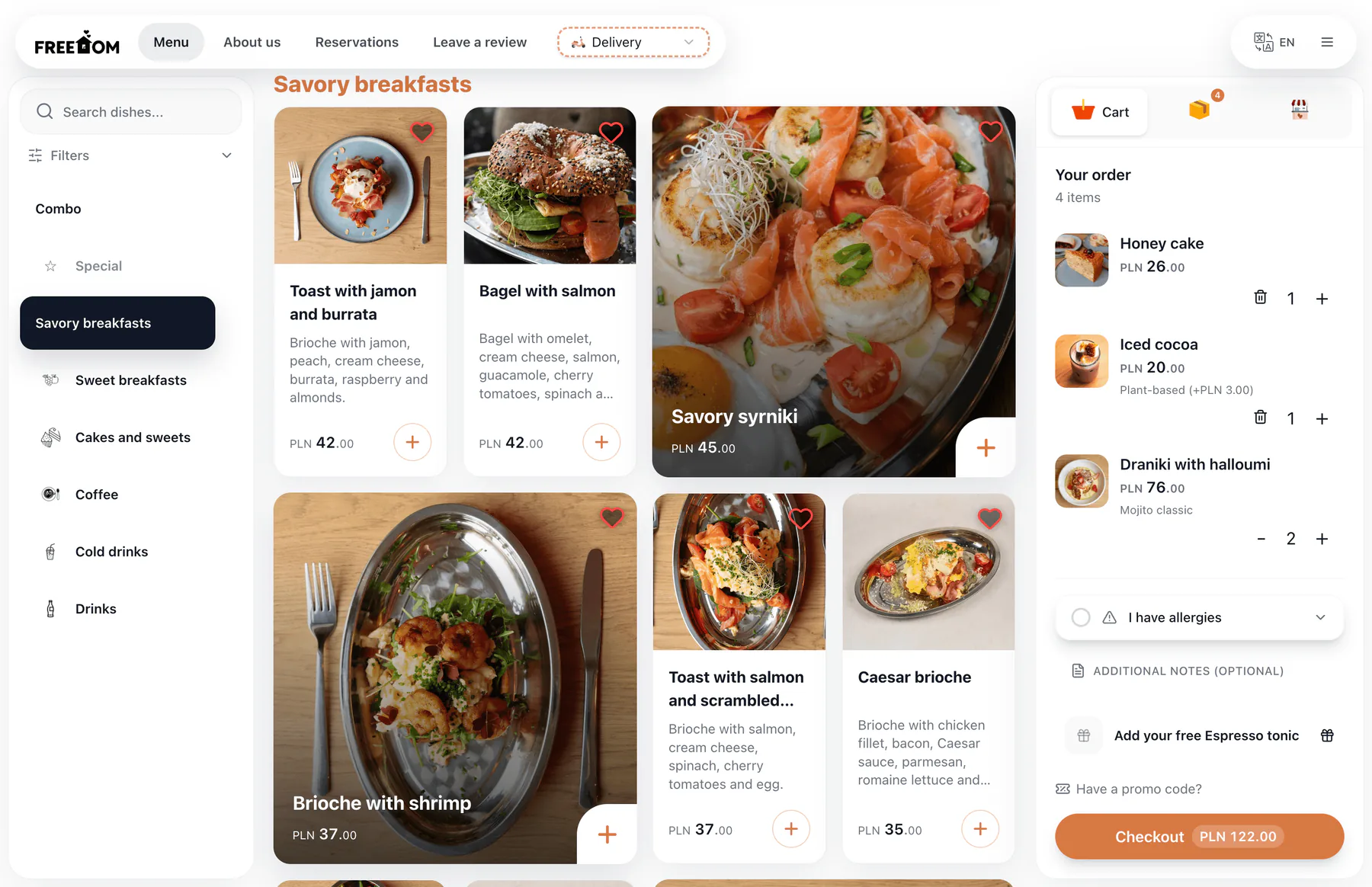
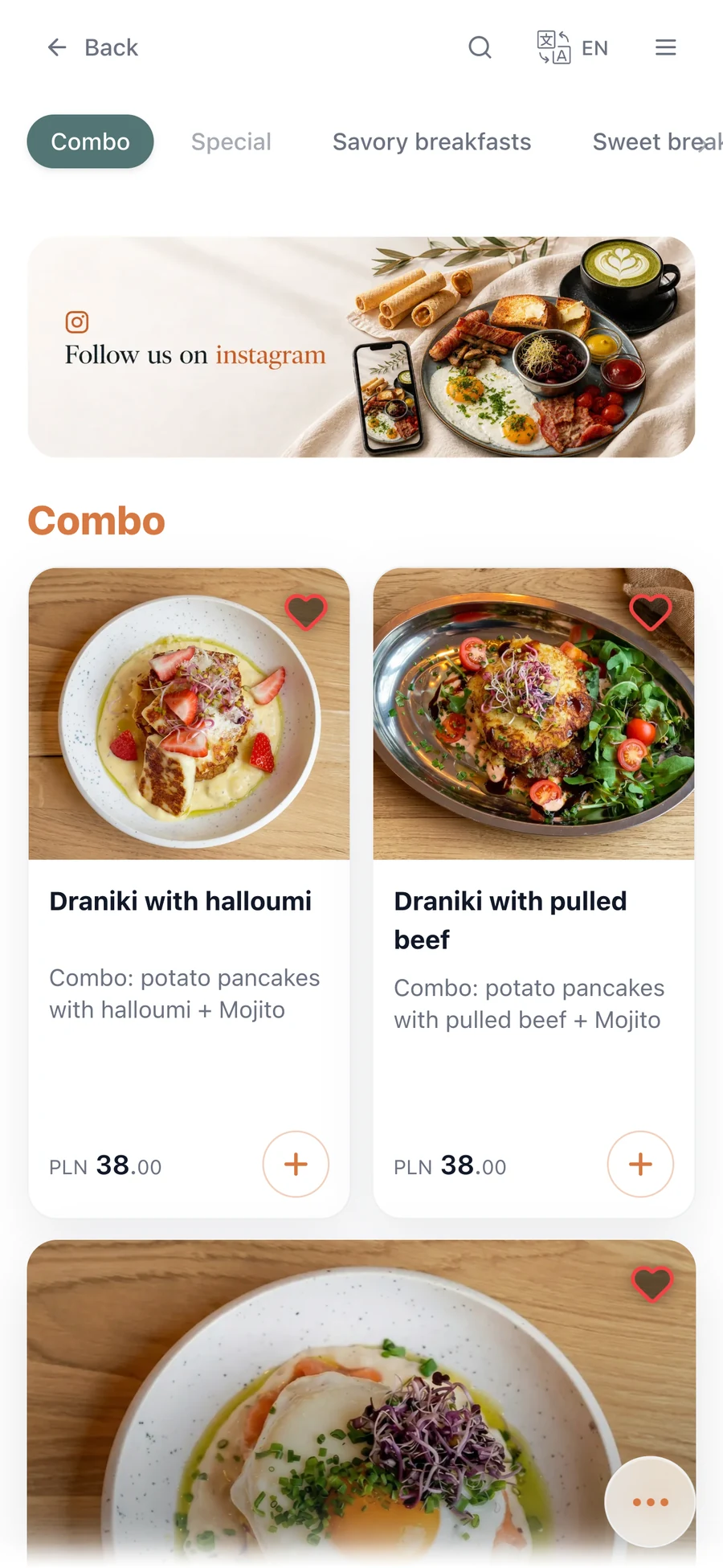
Wszystko, czym żyje restauracja, w jednej platformie
Cyfrowe menu ze zdjęciami i alergenami, zamawianie i płatności, dostawa z własnej strony, rezerwacje, lojalność i ratowanie opinii — w komplecie od pierwszego dnia.
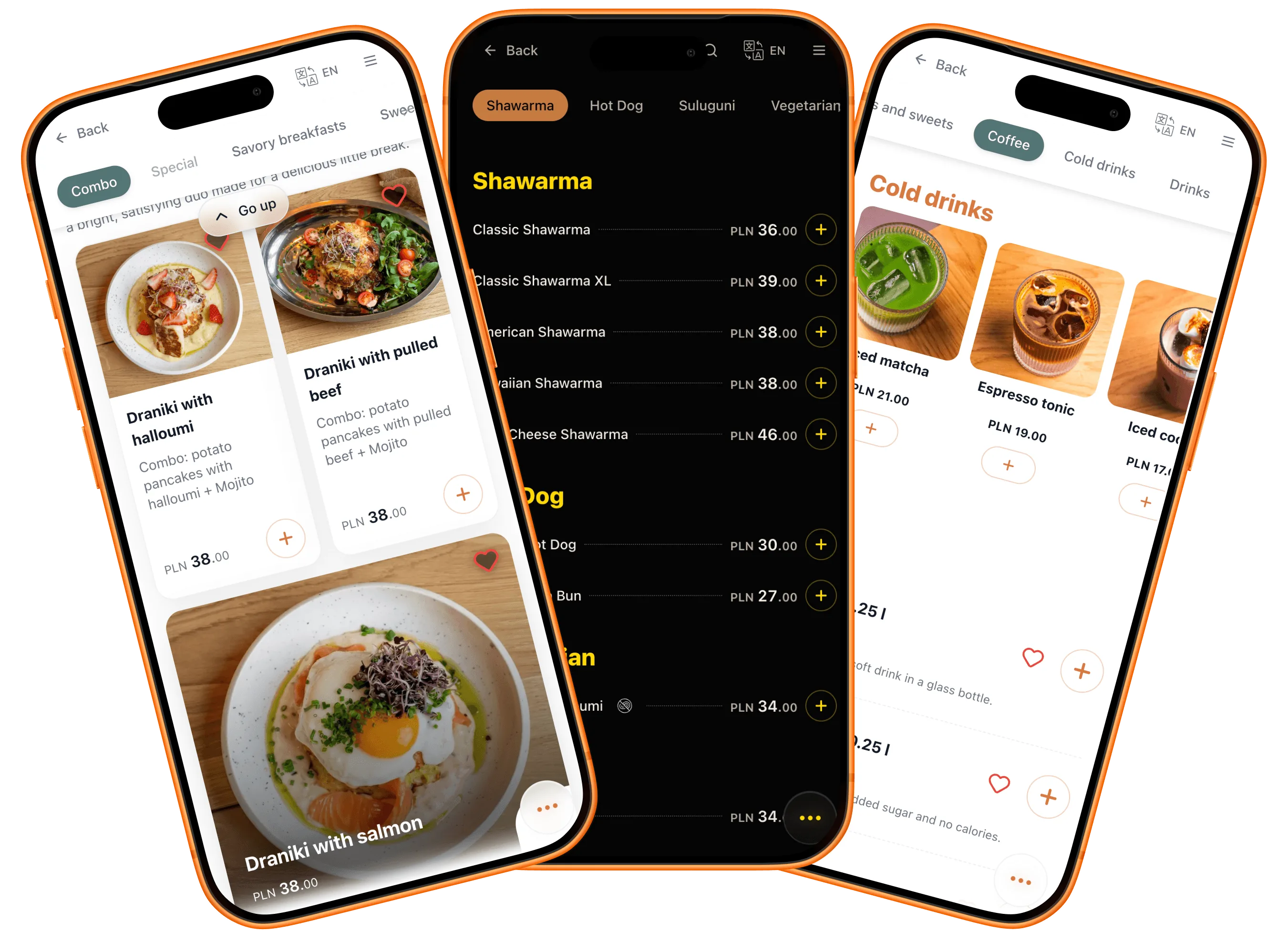
Karta dań, która od razu wygląda jak Twoja
Kolory, układ, zdjęcia, typografia — każdy element dopasowuje się do Twojego lokalu, a nie odwrotnie. Wszystko to żyje na Twojej własnej stronie, z Twoją nazwą w adresie. Menu dopasowuje się też do każdego gościa: jego języka, alergii i diety.
- Motywy w kolorach Twojej marki
- Układy ze zdjęciami — lub bez
- Język każdego gościa
- Filtry alergenów i diet
- Adres strony z Twoją nazwą
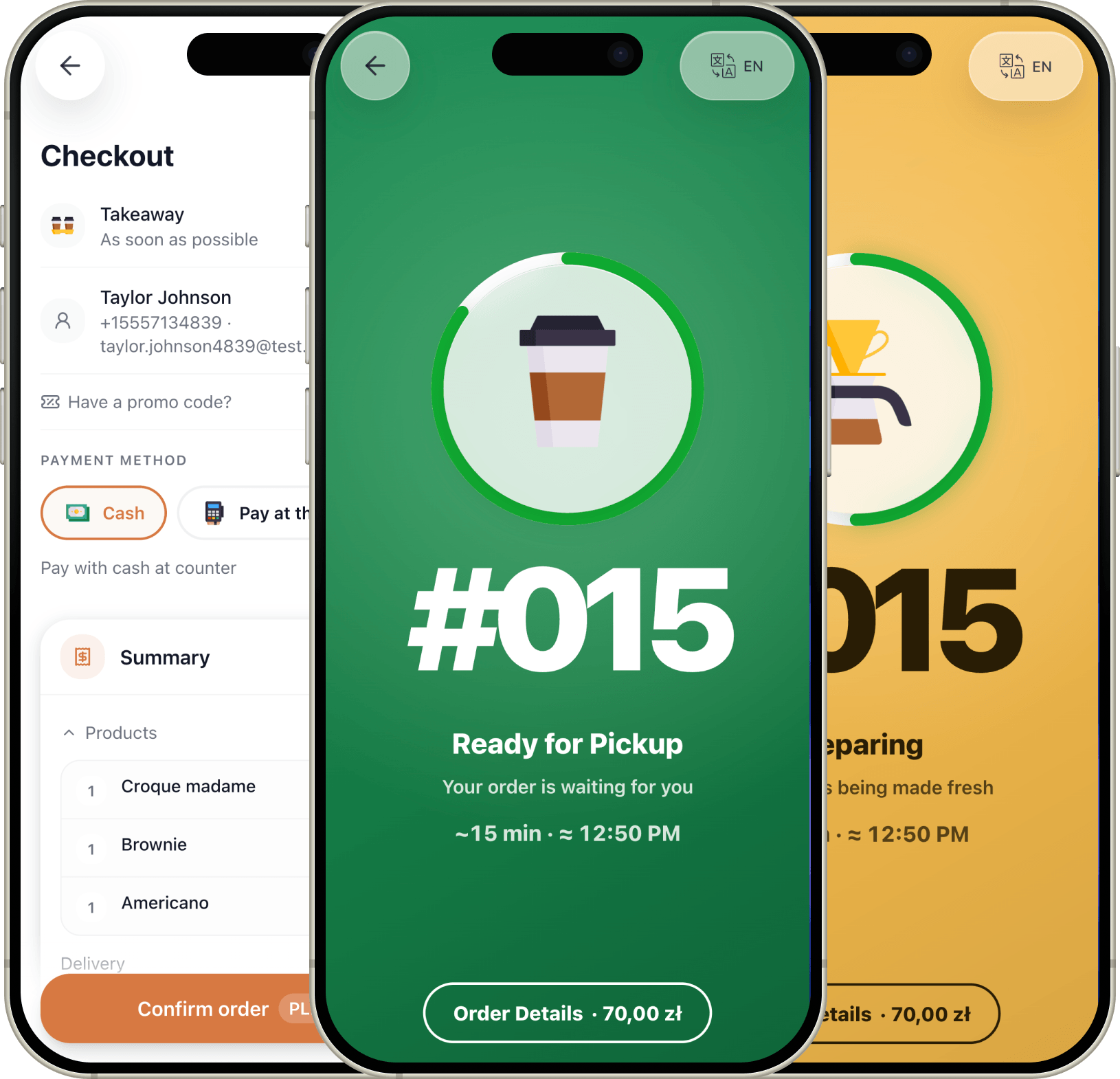
Zamówienia, z których marża zostaje u Ciebie
Przy stoliku, przy ladzie, na wynos czy z dostawą — każde zamówienie przechodzi przez Twoje własne menu, pod Twoją marką, bez pośrednika po drodze. Goście wciąż mają komfort jak w dużych aplikacjach: status na żywo i pager, gdy zamówienie jest gotowe. A cała marża wciąż zostaje u Ciebie.
- Płatność przy stoliku — lub przy ladzie
- Odbiór i dostawa z Twojej własnej strony
- Status zamówienia na żywo na telefonie gościa
- Pager, gdy zamówienie jest gotowe
- Zero prowizji od zamówień
Opłata za kuriera jest w obu przypadkach — różnicą jest prowizja.
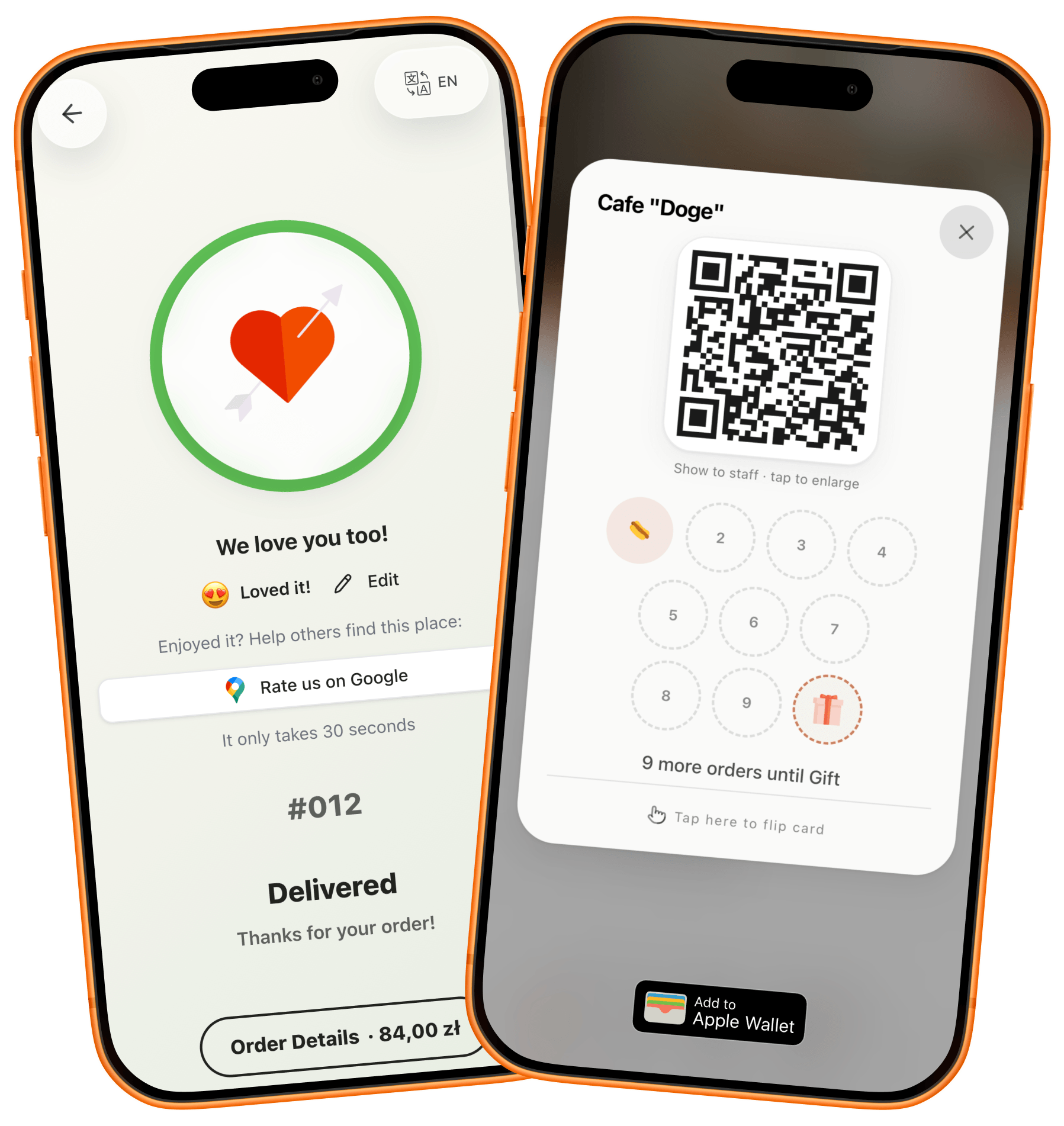
Z nowych gości — stali bywalcy
Każda wizyta zostawia haczyk na kolejną: nagroda rosnąca w telefonie gościa, kod na spokojny wtorek, wydarzenie, które warto wpisać do kalendarza. A gdy coś pójdzie nie tak, gość mówi o tym Tobie — nie internetowi.
- Pieczątki lojalnościowe w telefonie gościa
- Kody promocyjne na spokojne dni
- Rezerwacje i wydarzenia prosto w menu
- Zadowoleni goście kierowani do Google Maps
- Niskie oceny najpierw do Ciebie, prywatnie
Zaznacz, jak minął wieczór
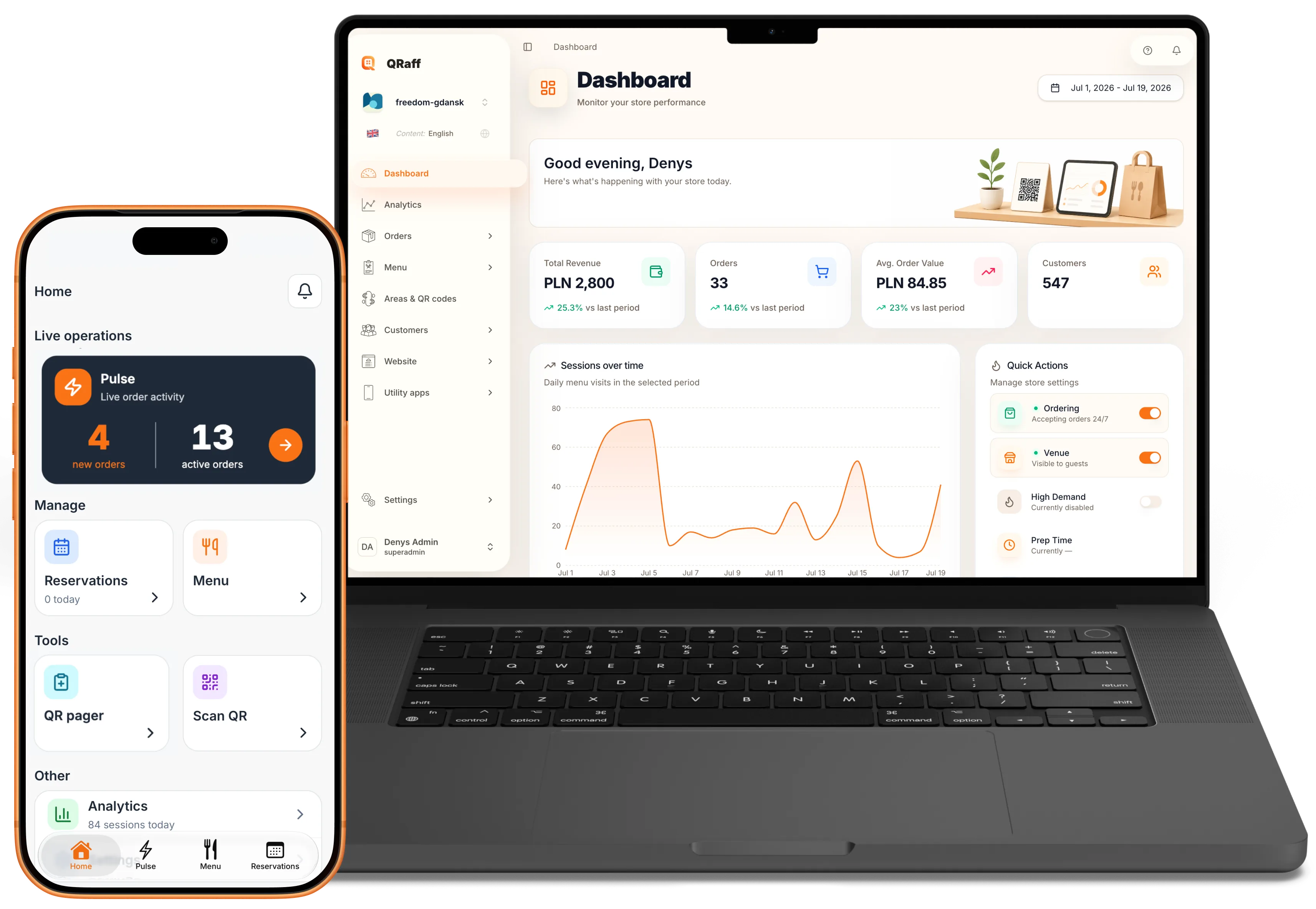
Lokal, który mieści się w kieszeni
Panel jest tam, gdzie Ty: web przy biurku, aplikacja na sali. Zdejmij danie, popraw cenę, odpowiedz na opinię — nie zwalniając kroku.
- Panel na web, iPhonie i Androidzie
- Analityka, która odpowiada na proste pytania
- Wyprzedane danie — jedno dotknięcie
- Ceny i zdjęcia edytowane od ręki
- Zamówienia, opinie i rezerwacje w jednym widoku
Piątek, 19:43 — trzy rzeczy się rozjechały. Stuknij, by poprawić.
Jedno zdjęcie starego menu — kliknij import.
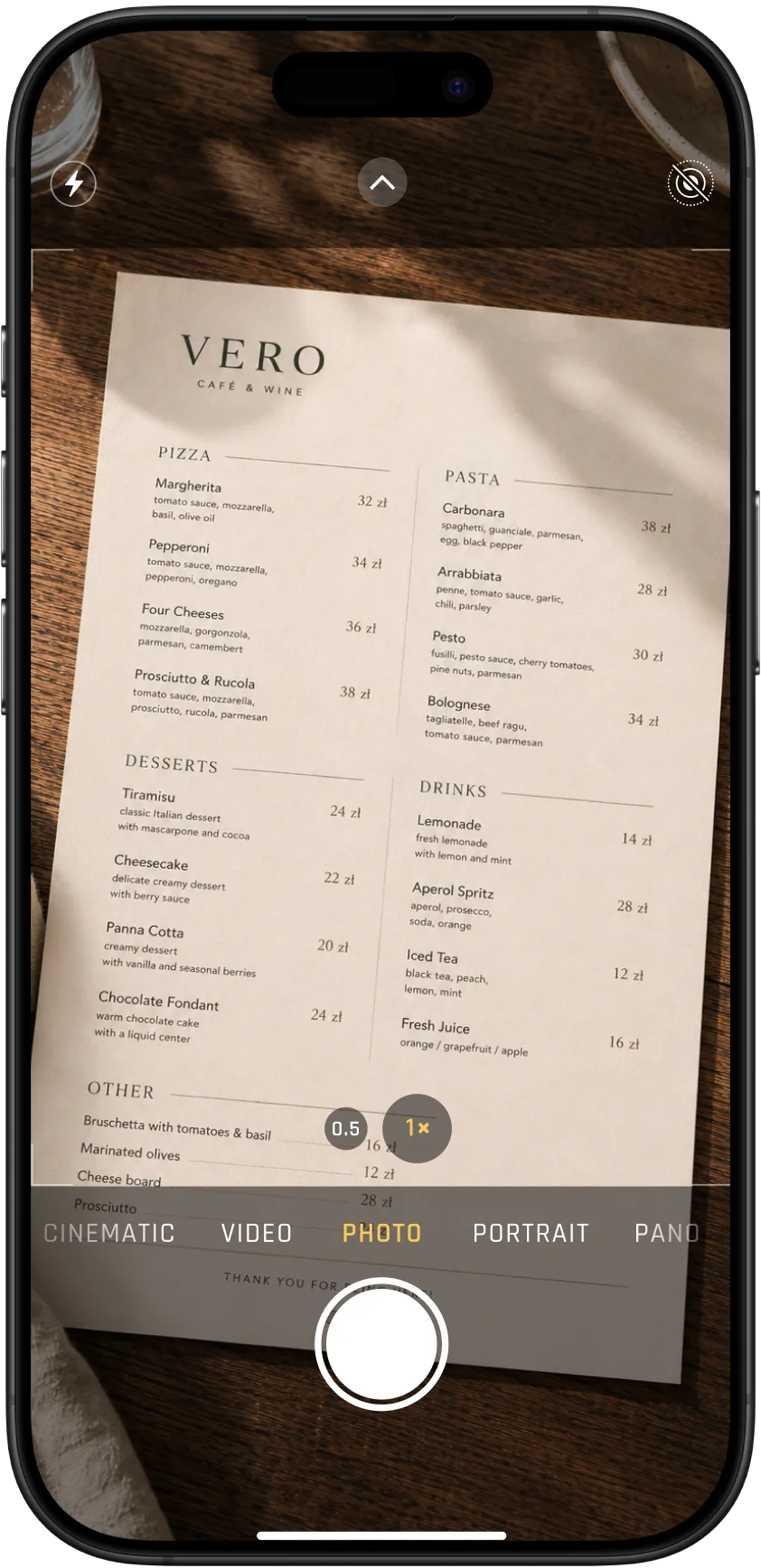
Menu QR gotowe przed lunchem
Sfotografuj papierowe menu, a AI zbuduje cyfrowe. Wydrukuj kod QR, połóż na stoliku — goście skanują od razu, bez instalowania czegokolwiek. Za darmo, dopóki QRaff jest we wczesnym dostępie.
- Zdjęcie — i AI buduje menu
- Kody QR gotowe do druku, na stoliki i witrynę
- Goście nie instalują niczego
- Żadnego nowego sprzętu po Twojej stronie
- Za darmo we wczesnym dostępie, bez zobowiązań
Zacznij od menu. Zatrzymaj się, kiedy to wystarczy.
QRaff wdraża się etapami. Zrób kolejny krok, gdy zobaczysz, że goście korzystają z poprzedniego — albo nie rób. Bez wiązania się umową, bez presji, i w każdej chwili możesz odejść.
Zacznij od etapu 1Etap 1
Menu QR dla restauracji
Gość skanuje kod przy stoliku, przy barze albo na witrynie — i przegląda menu ze zdjęciami. Zbiera ulubione pozycje na listę i po prostu pokazuje ją przy kasie. Jeśli to wszystko, czego potrzebujesz, zostajesz na tym etapie.
Etap 2
Zamawianie i płatność telefonem
Lista staje się koszykiem. Goście płacą przy kasie albo z telefonu — Ty decydujesz. Zamówienia trafiają na Twoje urządzenie, a gość śledzi status na swoim. Integracja z POS i pieczątki lojalnościowe, gdy będziesz gotów.
Etap 3
Własna dostawa
Przyjmuj zamówienia z dostawą prosto z Twojej strony. Kuriera wysyła zintegrowany serwis dostawczy — albo Twój własny. Zamiast ~30% dla agregatora zostaje tylko opłata za kuriera.
Etap 4
Agregatory w jednej aplikacji
W przygotowaniuZarządzaj zamówieniami z Glovo, Wolt i Uber Eats z jednego ekranu, bez żonglowania trzema tabletami.
“Spędziłem lata po obu stronach lady — jako programista i w branży gastronomicznej. Stworzyłem QRaff, bo chciałem, żeby kontakt gościa z lokalem był prostszy i przyjemniejszy — po obu stronach. Każdy pomysł omawiasz bezpośrednio z osobą, która go zbuduje. Czyli ze mną.”
QRaff dla Twojego lokalu
Skonfiguruj menu, zamówienia i rezerwacje na własnej stronie lokalu.
Pełny dostęp
Przez cały okres wczesnego dostępu
Pełny dostęp do wszystkich funkcji QRaff.
Bez karty. Bez automatycznej płatnej subskrypcji.
W pakiecie:
- Własna strona internetowa lokalu
- Menu ze zdjęciami, stoliki QR i własna identyfikacja
- Import przez AI i edytor wizualny
- Panel zarządzania i aplikacja mobilna dla zespołu
- Zamówienia, płatności i doprzedaż
- Dostawa: własni kurierzy lub partnerzy
- Rezerwacje i wydarzenia
- Kody rabatowe i promocje
- Lojalność i kierowanie opinii
- Analityka sprzedaży i odwiedzin
Pytania, które operatorzy zadają przed zmianą systemu
Najważniejsze informacje o szybkości wdrożenia, codziennej obsłudze i tym, jak QRaff pomaga restauracjom i kawiarniom rosnąć.
Szybko. Większość zespołów startuje podczas jednej sesji: importujesz menu, ustawiasz kody QR dla stolików i publikujesz. Bez udziału projektanta i programisty.
Tak, od razu. Zmieniasz cenę, ukrywasz danie albo podmieniasz ofertę dnia, a zmiana pojawia się na wszystkich stolikach w tej samej chwili. Bez dodruków i bez czekania.
Nie. Zacznij od samego menu: goście mogą zebrać listę ulubionych pozycji i pokazać ją przy kasie. Gdy będziesz gotów, włącz zamówienia — i zdecyduj, czy płatność odbywa się przy kasie, w telefonie, czy w obu miejscach.
Tak. Raz ustawiasz dodatki, powiązane propozycje i zestawy, a potem pokazują się dokładnie wtedy, gdy goście podejmują decyzję. Średnia wartość zamówienia rośnie bez dokładania pracy zespołowi.
Tak. Rezerwacje mają kalendarz, wyjątki dat i status, który gość może sprawdzić. Wydarzenia — od premiery sezonowego menu po wieczór planszówek — dostają własne miejsce w menu.
Goście czytają menu we własnym języku, a alergeny ustawiają raz, żeby wszędzie widzieć oznaczone dania. Obie funkcje działają od razu.
Oczywiście. Przeglądarka, iPhone i Android. Menedżer na sali może z każdego miejsca w lokalu zmienić menu, sprawdzić opinie albo włączyć promocję.
Po wizycie zadowolonych gości możesz delikatnie skierować do Google Maps albo TripAdvisora. Niezadowoleni trafiają do prywatnego kanału Twojego zespołu, więc da się rozwiązać problem, zanim pojawi się publiczna opinia.